
Overview
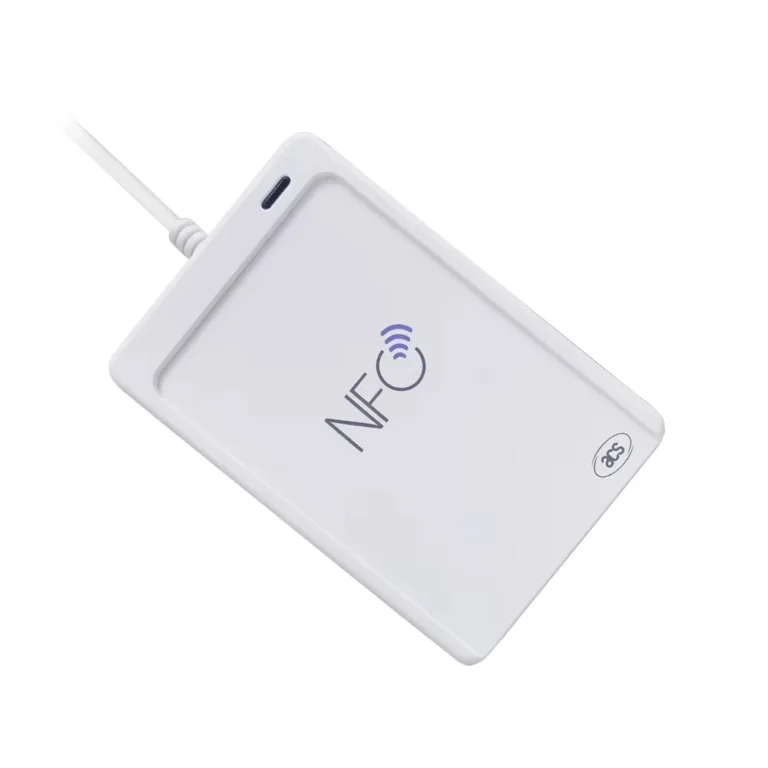
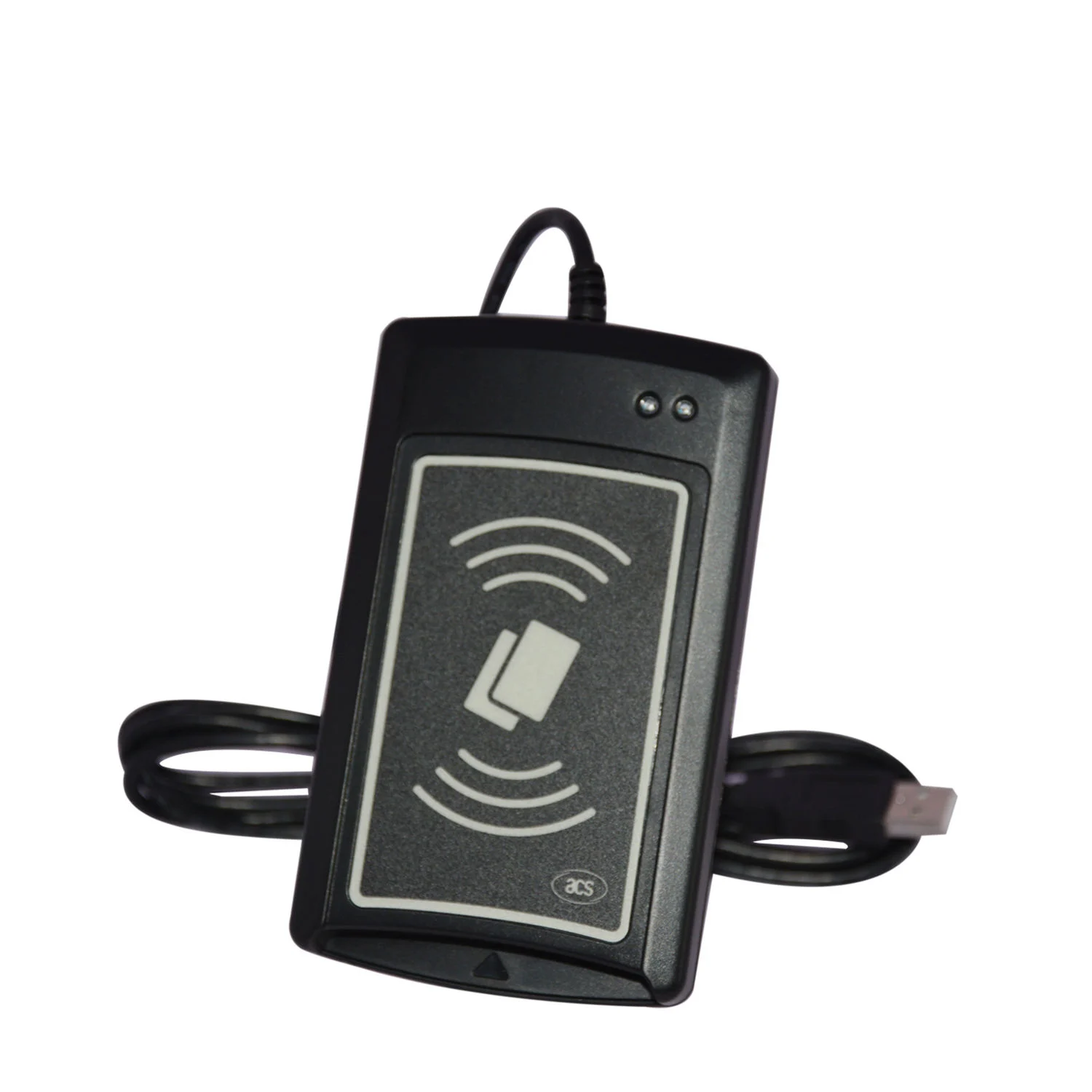
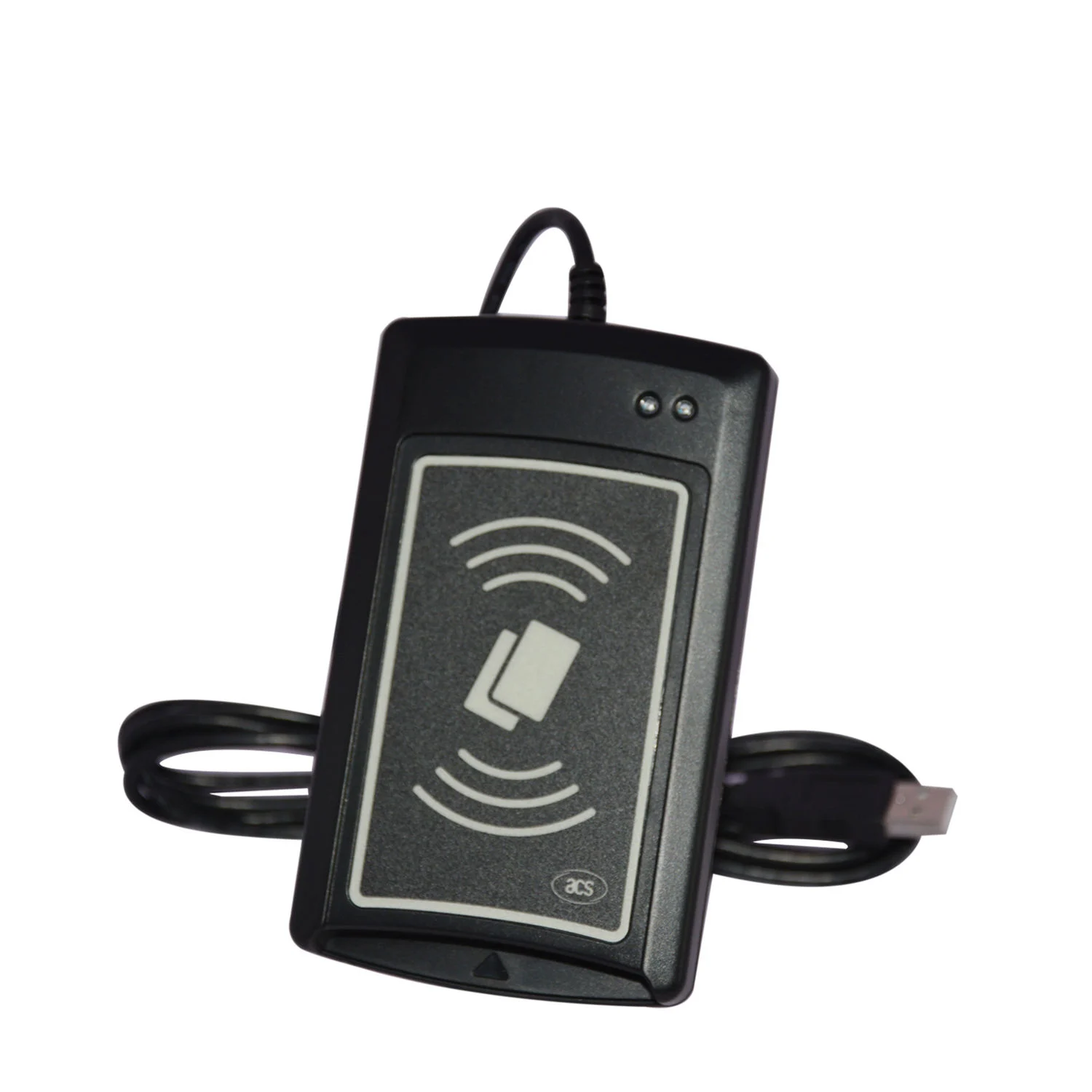
The ACR1281U-C2 Card UID Reader is a contactless smart card reader designed to automatically retrieve the Unique Identifier (UID) of any ISO 14443 Parts 1-4 Type A and Type B compliant card, including MIFARE® cards.
By automatically returning the UID to a connected PC, the device enables immediate integration with any editor, such as Notepad, Microsoft Excel, or Microsoft Word, allowing seamless identification and management of cardholders across various applications, including:
- Identity verification
- Time and attendance systems
- Access control and security
Its anti-collision feature ensures reliable operation when multiple cards are presented simultaneously.
Key Features
- Automatic UID retrieval from ISO 14443 Type A/B and MIFARE® cards
- USB Human Interface Device standard for driver-free PC integration
- Contactless read/write speed up to 848 kbps
- Reading distance up to 50 mm depending on card type
- Anti-collision feature to prevent multiple card conflicts
- Firmware upgradeable via USB
- Wide operating system support: Windows®, Linux®, macOS®, Android™
- Built-in indicators: 2 single-color LEDs (Red/Green) and monotone buzzer
- Compact design: 120.5 mm × 72 mm × 20.4 mm, weight 140 g
- USB 2.0 Full Speed interface, cable length 2 meters
Global Market Applications
1. Enterprise and Workforce Management
- Automate employee identification for secure office access
- Integrate with attendance tracking systems for payroll automation
- Ensure fast and accurate workforce management in multinational corporations
2. Education and Campus Access
- Student and staff ID verification for classroom or lab access
- Library or resource management through automatic UID detection
- Campus event or facility check-in using NFC cards
3. Public Services
- Citizen service kiosks for identity verification
- Community or government program participation tracking
- Visitor management in public or corporate facilities
4. Retail and Loyalty Programs
- Customer identification through loyalty cards or membership cards
- Streamlined access to promotions or personalized services
Step-by-Step Usage Guide
1. Connection and Setup
- Connect the ACR1281U-C2 to a PC using the USB cable.
- Device enumerates as a USB Keyboard, requiring no additional driver installation.
- Confirm the device is powered via USB port; LEDs indicate ready status.
2. Reading a Card UID
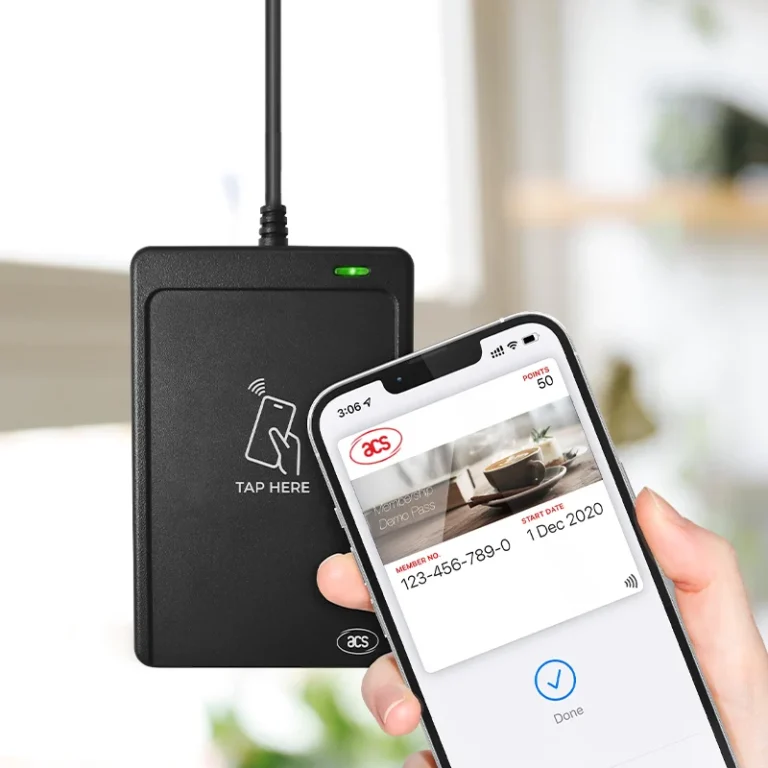
- Present the card to the reader’s antenna within 50 mm distance.
- The device automatically reads the card UID and sends it to the active text editor (e.g., Notepad, Excel).
- Only one card is accessed at a time; multiple cards will trigger the anti-collision mechanism.
3. Integrating with Applications
- Attendance systems: Configure the UID as a unique employee identifier
- Access control: Map UIDs to doors, gates, or secure areas
- Identity verification: Use UID for authentication workflows
- Data logging: UID output can be captured and processed in spreadsheets or database software
4. Firmware Upgrade
- Connect the reader via USB to a computer.
- Use ACS firmware upgrade tool to update the reader for new protocol or card support.
- Confirm firmware version through test read before deployment.
Best Practices for Reliable Operation
- Ensure the reader antenna is unobstructed.
- Maintain proper distance (≤ 50 mm) for consistent UID reading.
- Avoid presenting multiple cards simultaneously outside the anti-collision range.
- Use firmware updates to maintain compatibility with new card types or system environments.
- Deploy in a stable environment to reduce electronic interference.
Frequently Asked Questions (FAQ)
What is the primary purpose of the ACR1281U-C2 Card UID Reader?
It is designed to automatically retrieve the Unique Identifier (UID) of ISO 14443 Type A/B and MIFARE® contactless cards and output it directly to a PC application for identification, access control, or attendance tracking.
Does the ACR1281U-C2 require additional drivers?
No. The device is compliant with the USB Human Interface Device standard, allowing it to work plug-and-play in most environments, including Windows®, Linux®, macOS®, and Android™.
Can it handle multiple cards at the same time?
Yes. The reader has a built-in anti-collision feature, which ensures that only one card is read at a time to prevent conflicts.
Which applications is the reader suitable for?
It is suitable for identity verification, workforce management, student ID tracking, access control, loyalty programs, and public service verification.
What card types are supported?
- ISO 14443 Parts 1-4 Type A & B
- MIFARE® Classic and MIFARE® series
How far can the reader detect cards?
The reading distance depends on the card type and positioning but can reach up to 5~10CM
Conclusion
The ACR1281U-C2 Card UID Reader is a highly reliable, plug-and-play solution for organizations seeking efficient, automatic identification of contactless smart cards. Its global usability, HID interface, and anti-collision feature make it ideal for enterprise, education, public service, and loyalty program deployments. Proper integration ensures accurate UID capture and seamless workflow across diverse applications.