
This article will show you how to use an NFC tag reader step by step. Even if you have never been exposed to NFC technology, you can understand it and try it yourself. We will first explain what NFC is, and then teach you how to read NFC tags with a card reader on your phone or computer. Finally, we will talk about how to write information to the tag. Just follow the steps and you will soon master this seemingly “black technology”.
There are some dedicated NFC readers, such as:
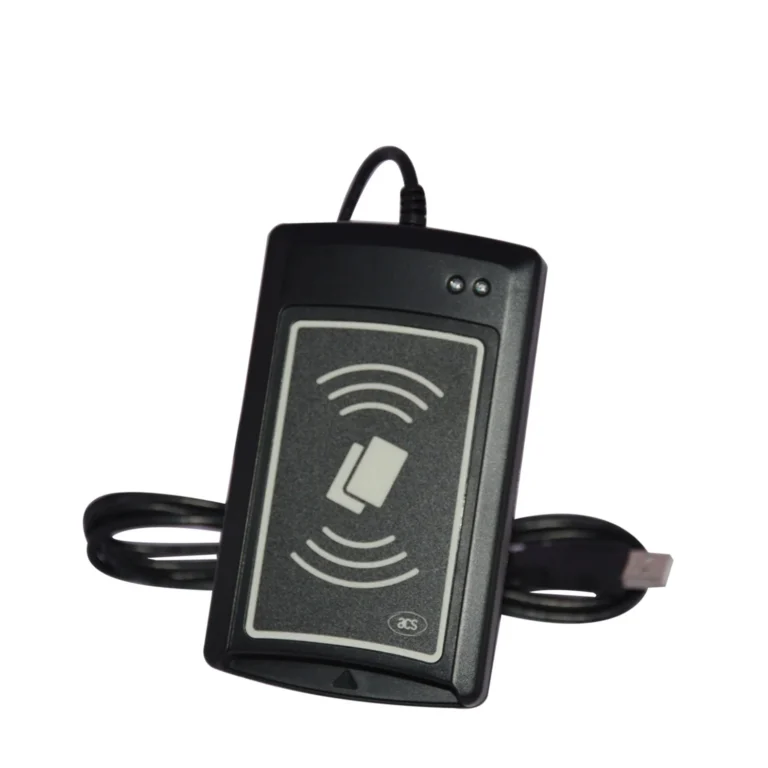
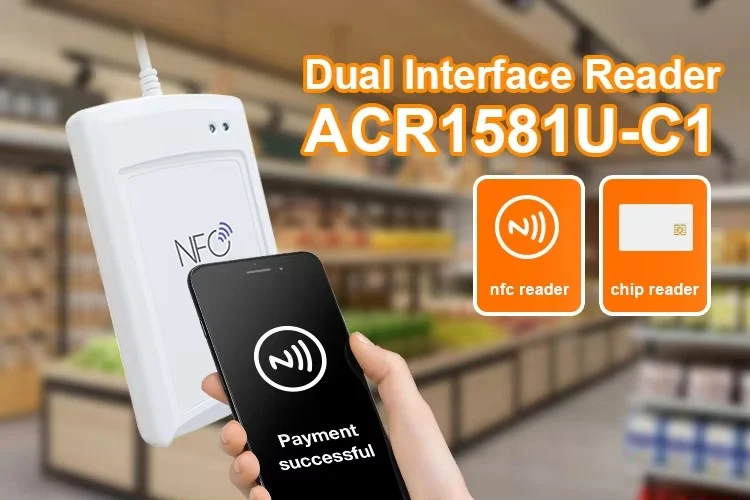
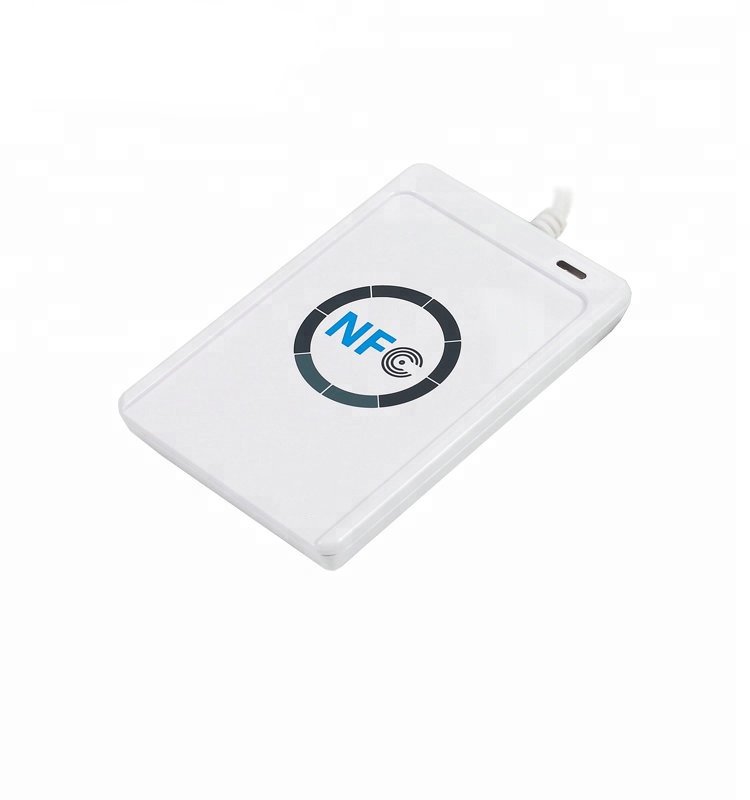
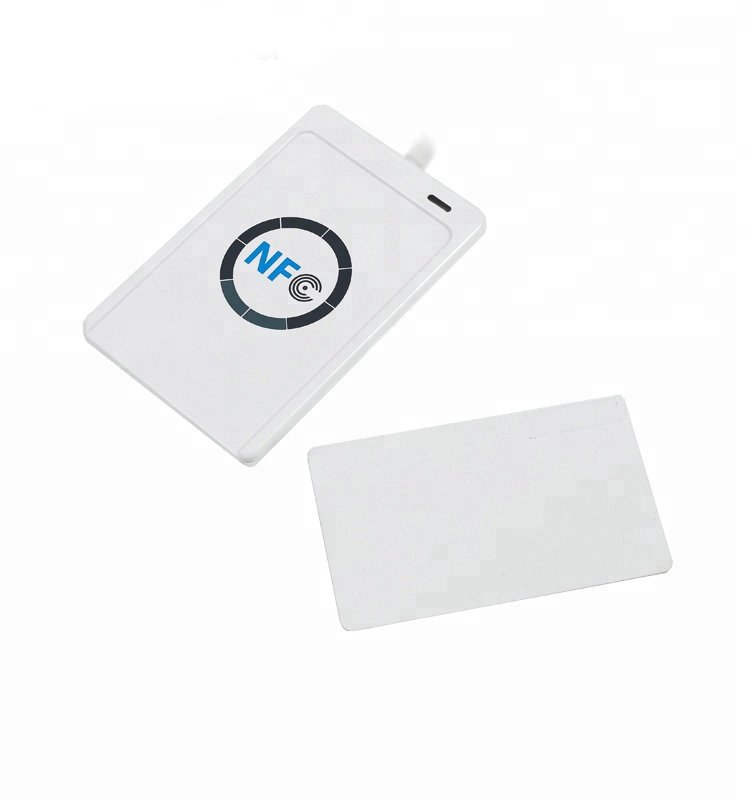
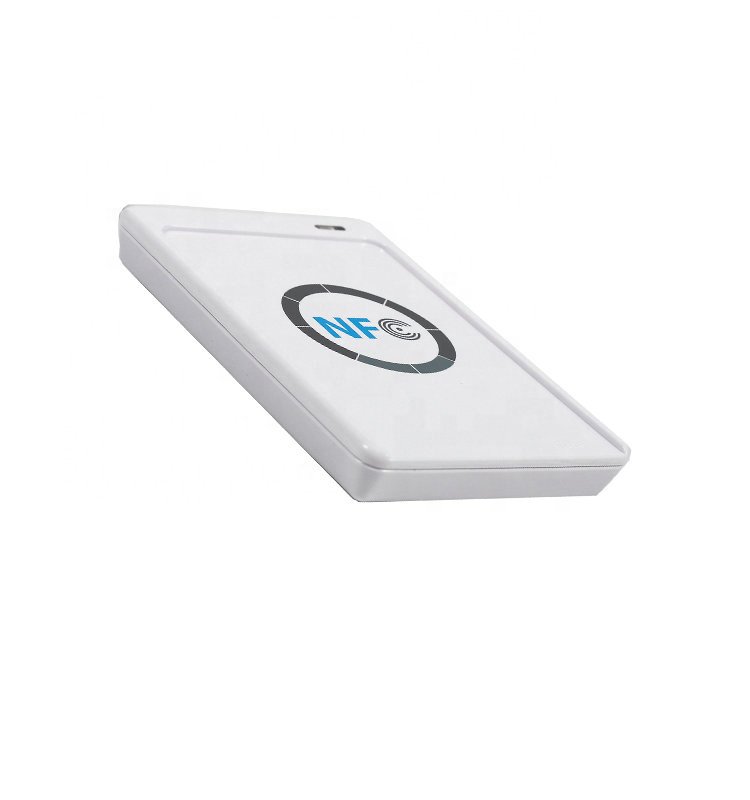
ACR122T USB Token NFC Reader
This is a small USB device that can be used by plugging it into a computer. It has the following features:
Supports multiple NFC tag formats: such as ISO14443 A/B, MIFARE, FeliCa, etc.
Plug and play: plug it into the computer and it can be used without external power supply;
Fast reading speed: up to 424 kbps;
Reading distance can reach 30mm, which is about three centimeters;
Small size, easy to carry, like a USB flash drive.
How to turn on the NFC function on your phone?
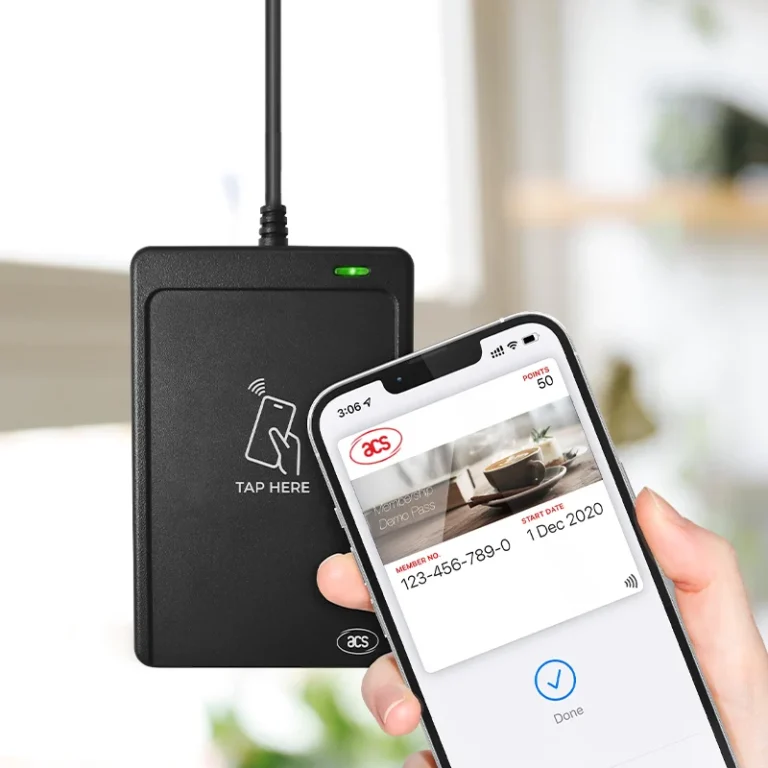
If you are using a smartphone, most of them have built-in NFC function. Just turn it on and the phone can be used as an NFC tag reader.
Android phone:
Open “Settings”;
Find “Connections” or “Wireless & Networks”;
Find “NFC” or “Near Field Communication” and turn it on.
Apple phone (iPhone 7 and later):
NFC is turned on by default;
You only need to install an NFC application to read tags.world of NFC tags!
How to read NFC tags with a computer and ACR122T?
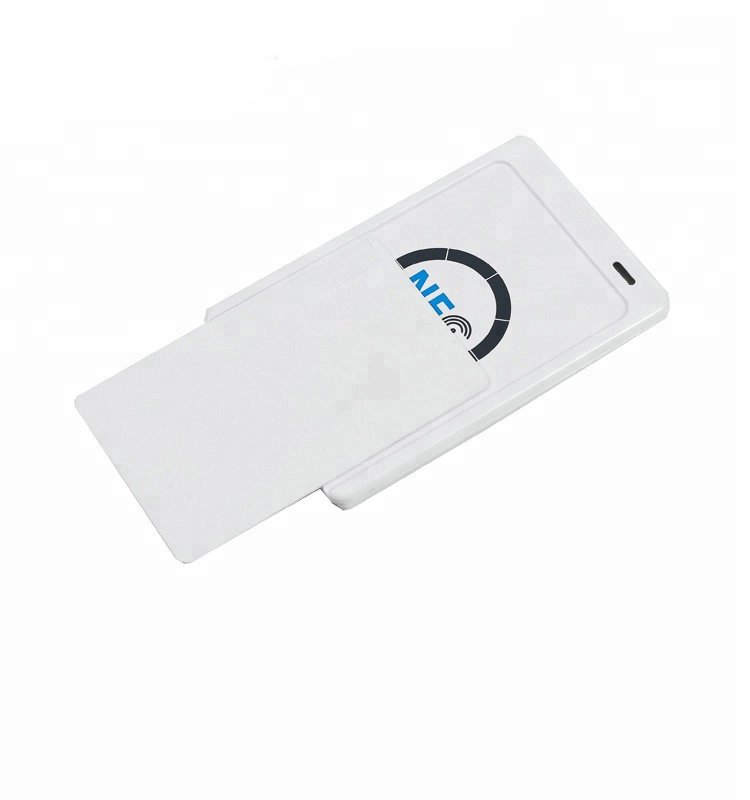
If you want to read NFC tags with a computer, you can use the ACR122T USB Token NFC reader/writer, which is also very simple to operate.
The steps are as follows:
Plug the ACR122T into the USB port of the computer, and the system will automatically install the driver;
Download an application that supports it, such as NFC Tools for PC or a dedicated SDK program;
Open the program and bring the NFC tag close to the front of the device;
The tag content will appear on the screen, such as the URL, serial number, text, etc.mply open the app and follow the on-screen instructions to read an NFC tag. It is incredibly fast and easy.
Can NFC tags also write information? What can be written?
In addition to “reading”, NFC tags can also be “written” – just like putting information into a small chip. As long as the tag is empty or can be rewritten, it can store some simple data, such as:
Website: scan to open;
Contact card: tap to save;
Wi-Fi password: when friends come to visit, just touch to connect to the Internet;
Quick commands: such as turning on the lights, playing music, sending text messages, etc.
The writing method is also very simple:
Open the NFC tool application;
Select “Write tag” or “Add record”;
Enter the content you want to save (such as text, website);
Put the tag close to the device and it will be written.
If you are using ACR122T, you can also use it to write information, as long as you use a computer program that supports writing.