
How NFC works
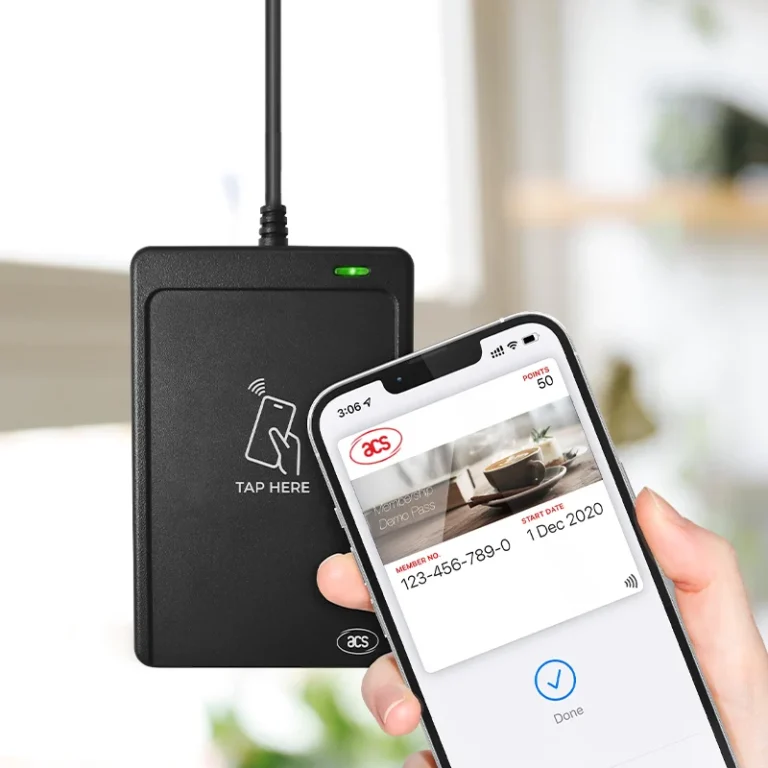
NFC is based on radio frequency identification (RFID) technology, and devices transmit information through radio waves. NFC devices are generally divided into two roles: active devices and passive devices. • Active devices (such as smartphones) send electromagnetic wave signals. • Passive devices (such as NFC cards) obtain energy from the received electromagnetic wave signals and respond to active devices. NFC has the following working modes:
- Card reader mode: The active device reads the data in the passive device.
- Card writer mode: The active device writes data to the passive device.
- Peer-to-peer mode: Two NFC devices communicate with each other and exchange data.
Rust language implements NFC card data reading and writing
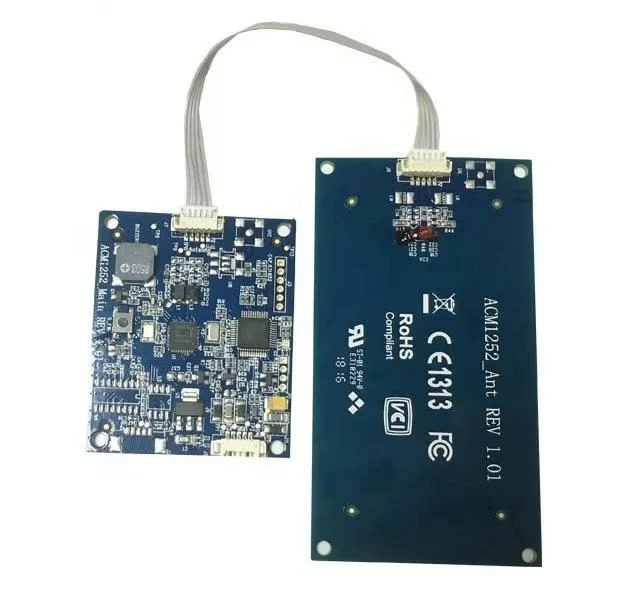
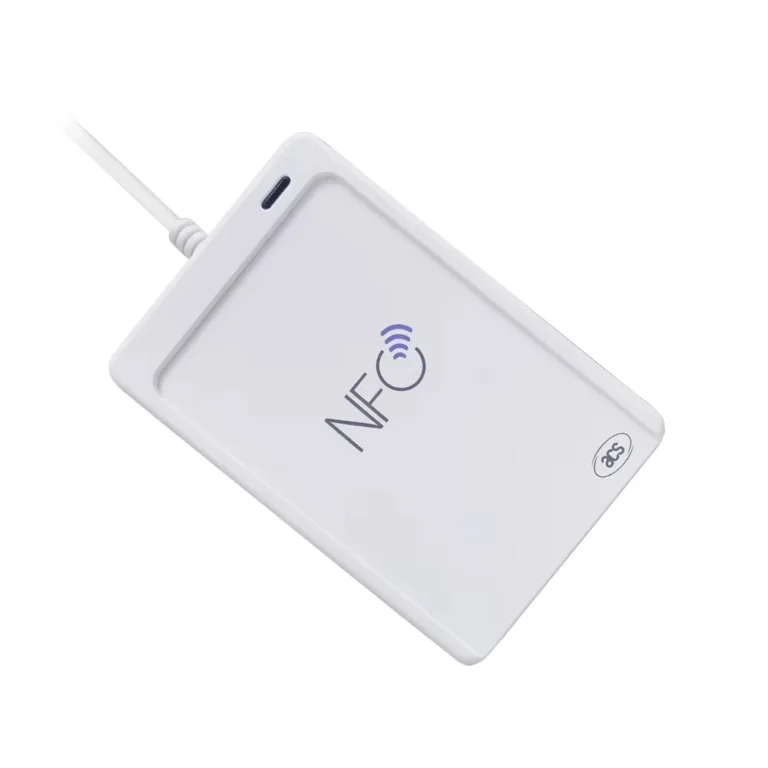
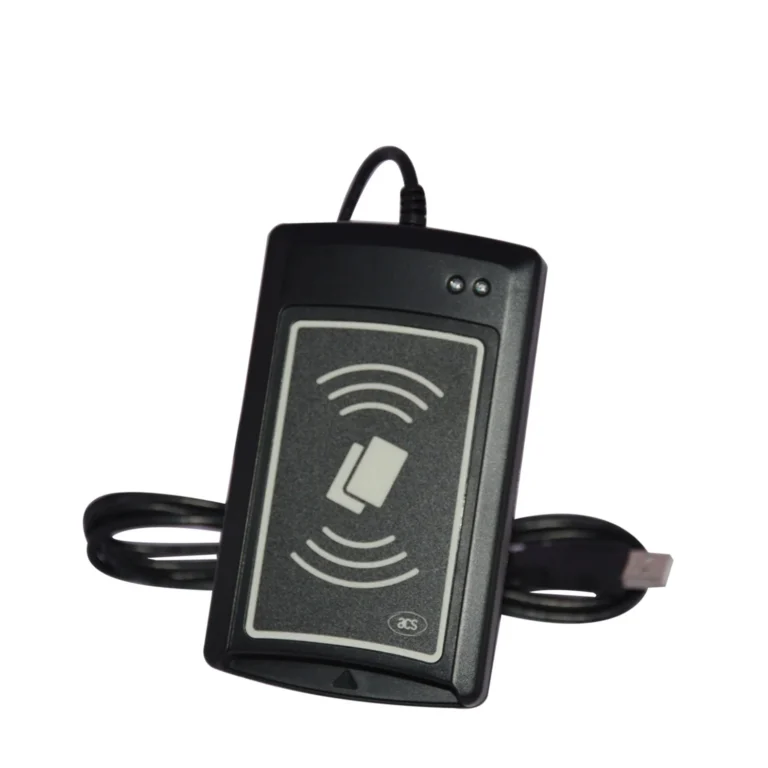
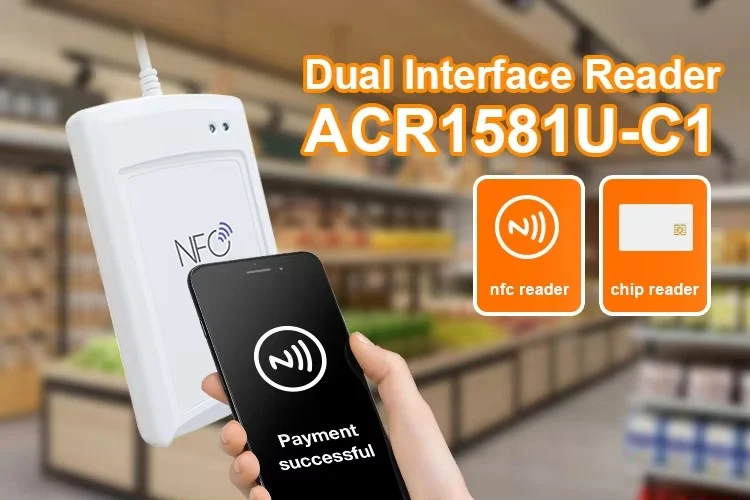
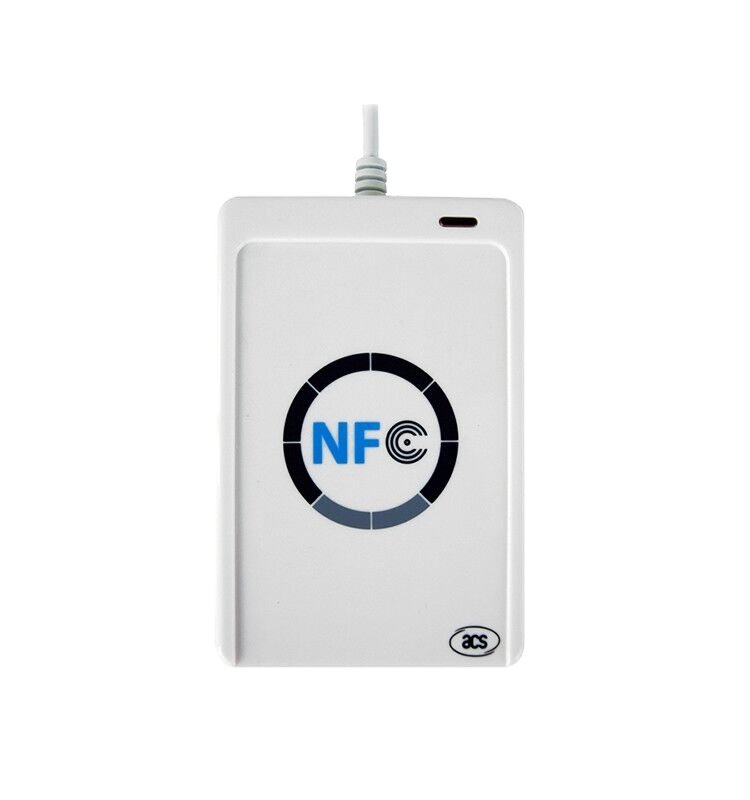
NFC hardware devices (such as ACR122U NFC card reader) can be connected to the computer and data reading and writing operations can be performed through the Rust language.

Read NFC card data
Below is a simple Rust example that demonstrates how to read data from an NFC card.
use nfc::{Context, Device, Target};
fn main() {
let context = Context::new().unwrap(); // Create NFC context
let device = context.open(None).unwrap(); // Open the first available device
println!(“Waiting for NFC card…”);
loop {
if let Ok(target) = device.select_target() { // Wait for NFC card
match target {
Target::MifareClassic(tag) => {
let uid = tag.uid(); // Get card UID
println!(“Detected MIFARE Classic card with UID: {:?}”, uid);
}
Target::TypeA(tag) => {
let uid = tag.uid(); // Get ISO 14443-A card UID
println!(“Detected Type A NFC card with UID: {:?}”, uid);
}
Target::TypeB(tag) => {
let uid = tag.uid(); // Get ISO 14443-B card UID
println!(“Detected Type B NFC card with UID: {:?}”, uid);
}
_ => {
println!(“Unknown NFC card detected.”);
}
}
} else {
println!(“No card detected. Try again.”);
}
}
}
Implement writing NFC card data
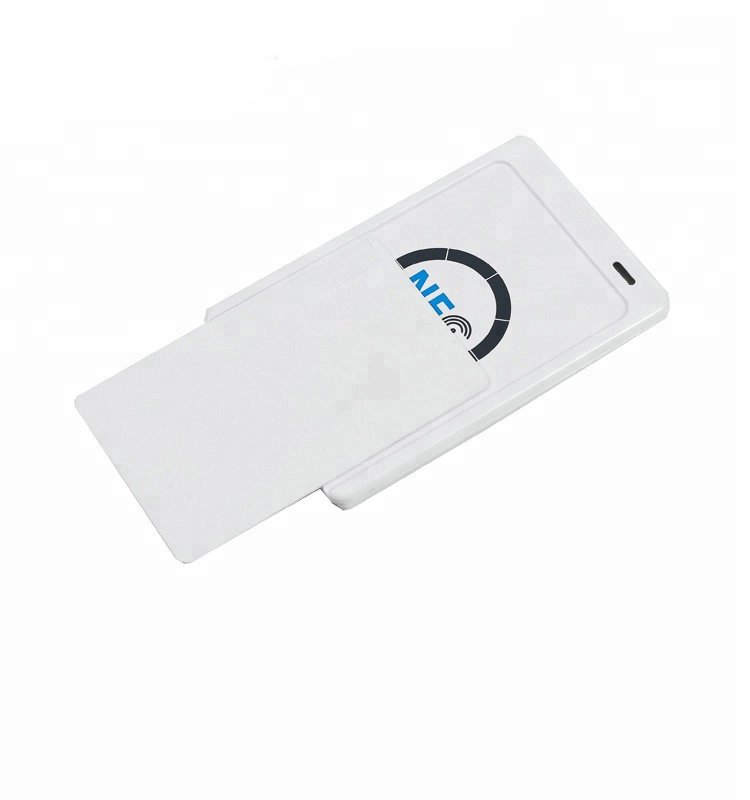
When writing to an NFC card, you need to understand the card type and its protocol. For example, the following code shows how to write data to a MIFARE Classic card.
extern crate nfc;
use nfc::{Context, Device, Target};
use nfc::protocols::mifare::MifareClassic;
fn main() {
let context = Context::new().unwrap(); // Create NFC context
let device = context.open(None).unwrap(); // Open the device
println!(“Waiting for NFC card…”);
loop {
if let Ok(target) = device.select_target() { // Wait for NFC card
match target {
Target::MifareClassic(tag) => {
let uid = tag.uid(); // Get UID
println!(“Detected MIFARE Classic card with UID: {:?}”, uid);
// Get MIFARE Classic protocol instance
let mut mifare = MifareClassic::new(tag);
// Write data to block 4 of the card
let data = b”Hello NFC!”;
match mifare.write_block(4, data) {
Ok(_) => {
println!(“Data written to block 4: {:?}”, data);
}
Err(e) => {
println!(“Failed to write data: {:?}”, e);
}
}
}
_ => {
println!(“Not a MIFARE Classic card.”);
}
}
}
}