
Overview
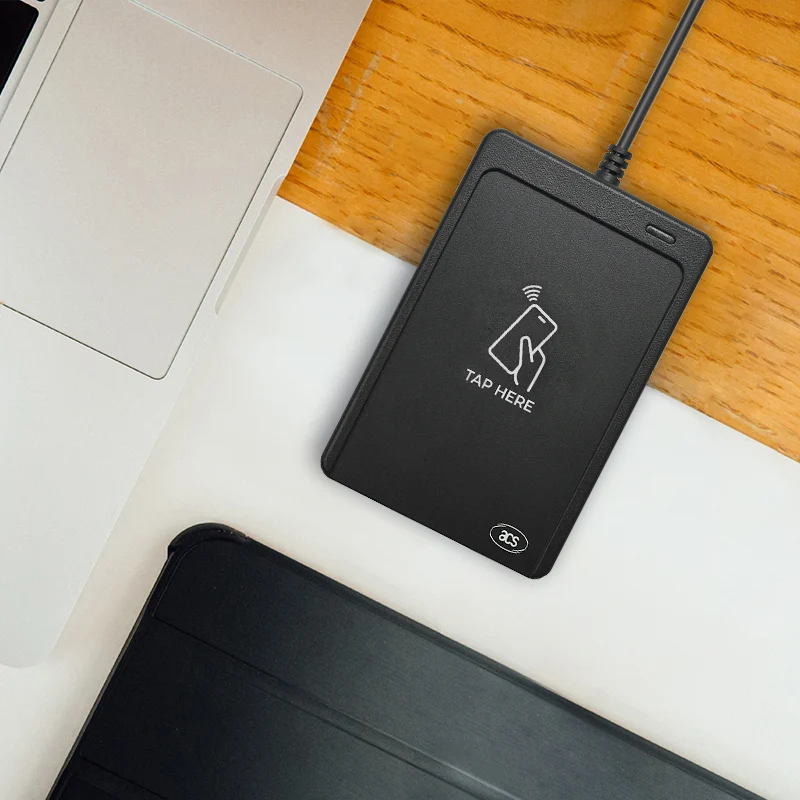
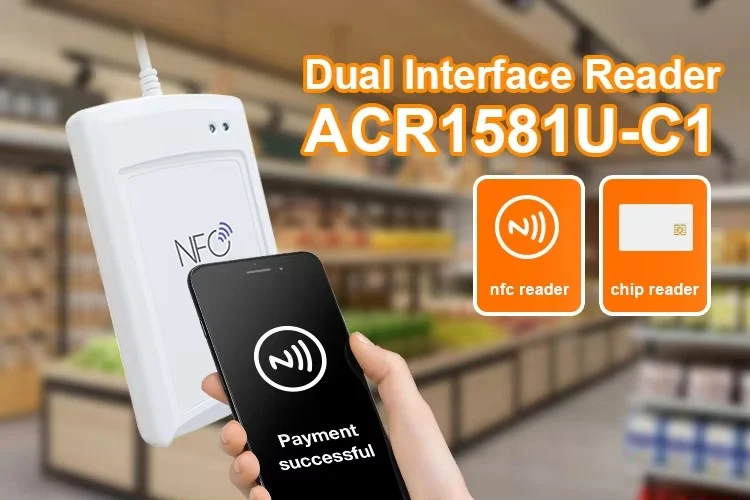
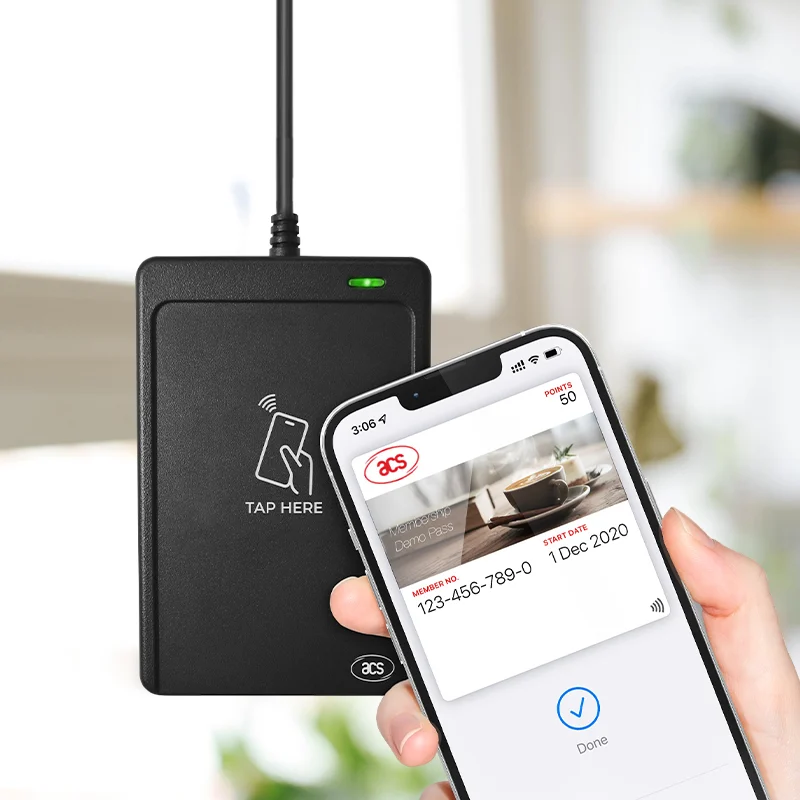
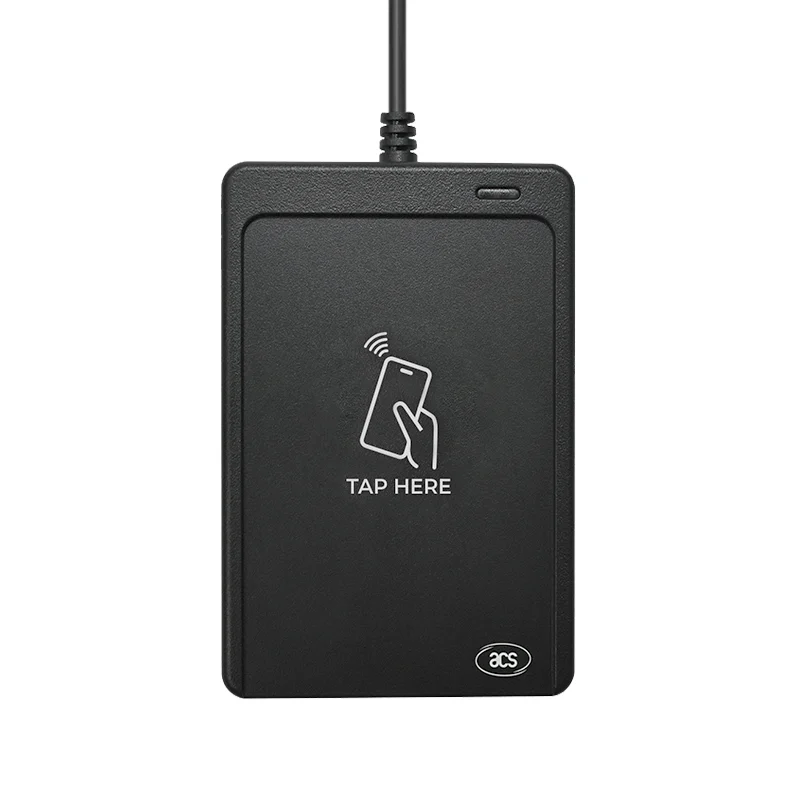
The WalletMate Mobile Wallet NFC Reader is designed for mobile wallet and virtual credential applications across retail, transportation, education, enterprise access, and membership programs. The device supports Apple Value-Added Services (VAS) and Google Smart Tap, enabling secure interaction with virtual passes such as loyalty cards, event tickets, staff credentials, and student identification cards on both iOS and Android devices.
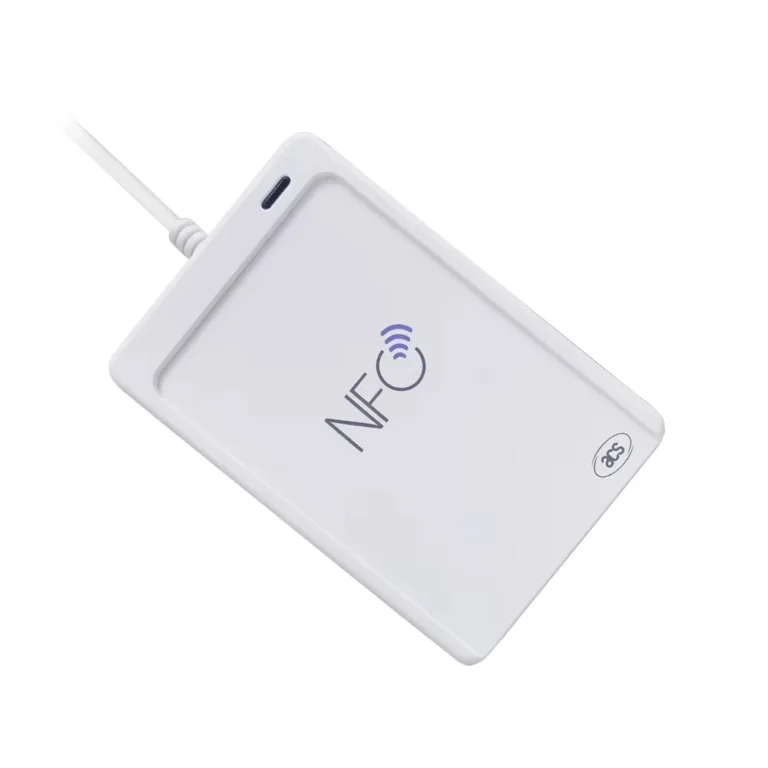
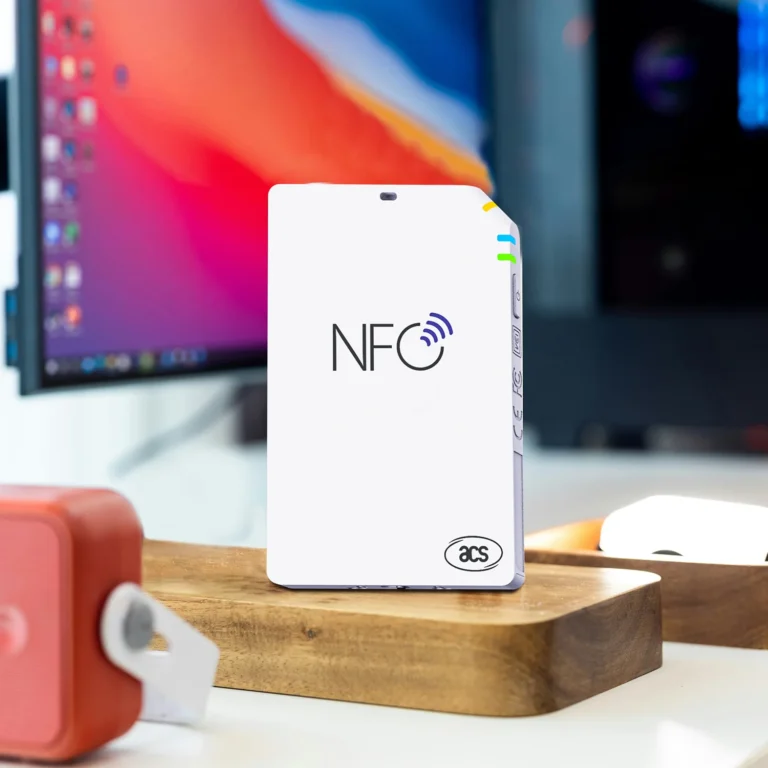
Operating at 13.56 MHz, the WalletMate Mobile Wallet NFC Reader supports ISO 14443 Type A and Type B contactless cards, MIFARE®, FeliCa, and ISO 18092 NFC tags. It is certified by the NFC Forum and supports card reader/writer mode, card emulation mode, and peer-to-peer mode, making it suitable for both physical smart cards and mobile wallet credentials.
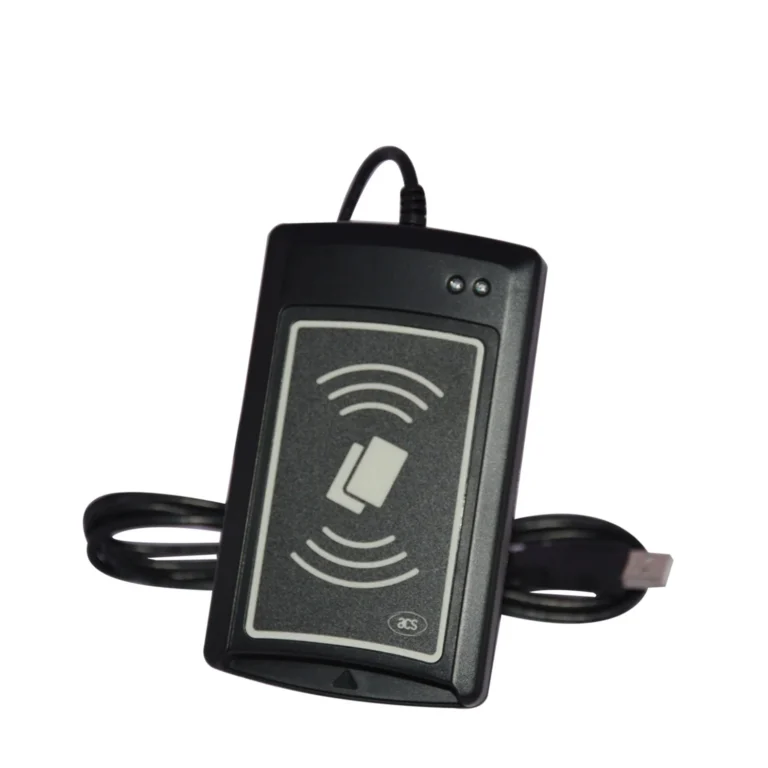
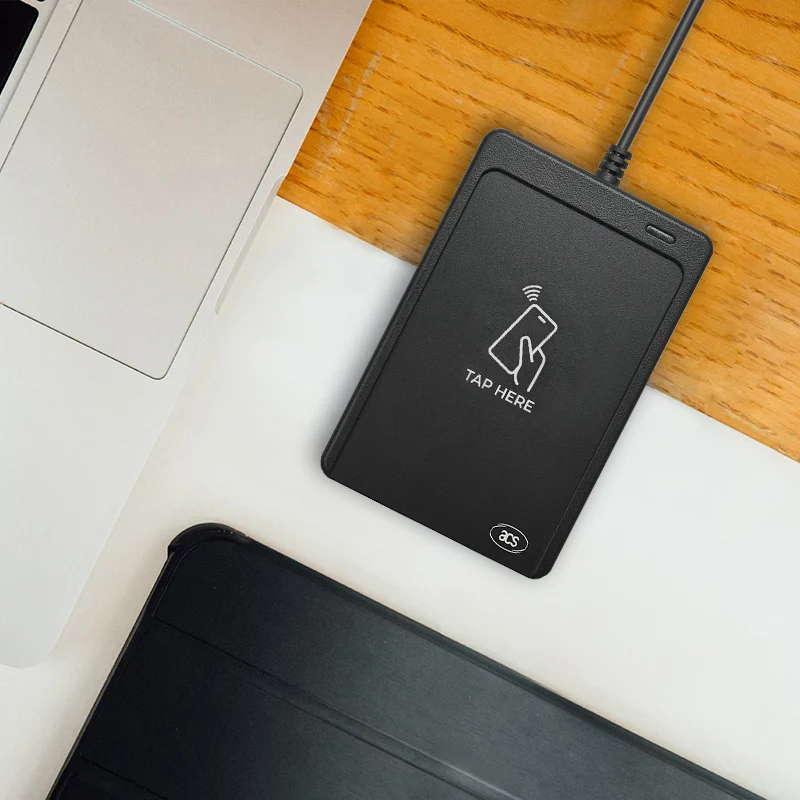
With USB CCID and PC/SC compliance, the WalletMate Mobile Wallet NFC Reader is a plug-and-play smart card reader that integrates easily into desktop, kiosk, and point-of-service environments.
Key Features
- Apple Value-Added Services and Google Smart Tap certification
- Support for virtual mobile wallet passes (non-payment applications)
- Read and write speed up to 424 kbps
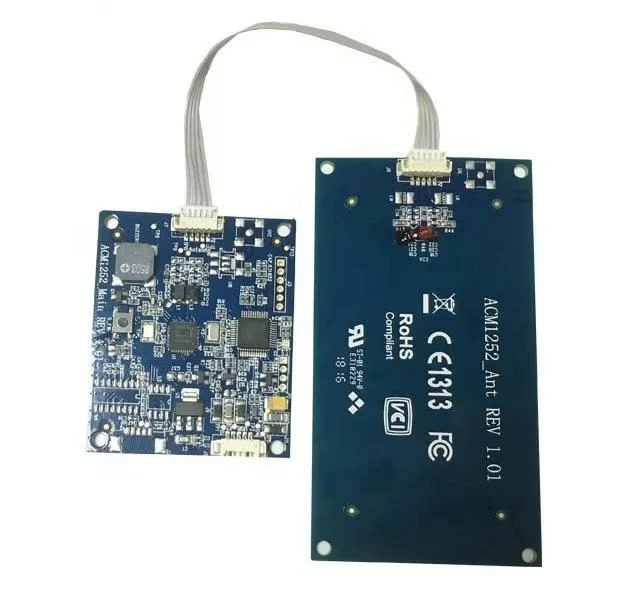
- Built-in contactless antenna with up to 50 mm reading distance
- Support for ISO 14443 A/B, MIFARE®, FeliCa, ISO 18092 NFC tags
- Anti-collision mechanism (single tag access at a time)
- USB 2.0 Full-Speed, CCID and PC/SC compliant
- User-controllable LED and buzzer
- USB firmware upgrade capability
- Optional desktop stand for ergonomics
Primary Use Cases in Global Markets
Retail and Loyalty Programs
- Mobile membership and loyalty pass validation
- Coupon and promotion redemption through Apple VAS and Google Smart Tap
- Customer identification for rewards programs
Ticketing and Event Management
- Mobile ticket verification for transportation, sports, and exhibitions
- Fast tap-to-enter workflows at entry points
Education and Campus Systems
- Student identification pass verification
- Library and facility check-in
- Access to shared learning resources
Workforce and Enterprise Access
- Staff identification validation
- Visitor management terminals
- Corporate membership and facility access credentials
Public Services and Libraries
- Citizen service kiosks
- Membership card verification
- Community program check-in
Note: The WalletMate is a VAS-only device and is not a payment terminal.
Implementation and Setup Guide
1. Connect the Device
- Connect the WalletMate Mobile Wallet NFC Reader to a host computer using the USB cable.
- The device enumerates as a USB CCID smart card reader.
- The operating system automatically loads the required PC/SC driver.
Supported environments include Windows and Linux (with macOS and Android support under development).
2. Install or Integrate the Application Layer
Applications may interact with the reader through:
- Apple Value-Added Services Application Programming Interface
- Google Smart Tap Application Programming Interface
- PC/SC interface
- CT-API via PC/SC wrapper (optional legacy use cases)
For integration, use vendor documentation for:
- Pass structure
- Merchant identifier mapping
- Wallet selection logic
- Credential validation workflows
3. Configure Mobile Wallet Pass Handling
Typical implementation steps:
- Register a merchant identifier for the mobile wallet program.
- Map wallet pass profiles to service logic (loyalty, ticketing, identity).
- Configure the reader to detect specific pass types through identifier filtering.
- Test reading behavior across:
- iOS Apple Wallet passes
- Android Google Wallet and Smart Tap passes
- Physical NFC cards where applicable
4. Optimize User Interaction
To ensure reliable tap performance:
- Position the device using the optional stand
- Maintain a stable reading distance within 50 mm
- Place the antenna area upward and unobstructed
- Avoid stacking multiple NFC tags near the reader
- Use clear tap-to-scan guidance at service points
Deployment Best Practices
- Use unique merchant identifiers per application environment
- Enable firmware updates to maintain protocol compatibility
- Validate performance using representative device models across regions
- Ensure compliance with local data protection and privacy regulations
- Separate wallet-based identity workflows from regulated payment processes
Frequently Asked Questions (FAQ)
What is the difference between Apple Value-Added Services and Google Smart Tap?
Apple Value-Added Services and Google Smart Tap are protocols that allow terminals to read non-payment wallet passes such as loyalty credentials, event tickets, and identity badges from mobile devices. They are not used for payment card transactions.
Does the WalletMate support payment applications?
No. The WalletMate is certified for Apple Value-Added Services and Google Smart Tap value-added applications only. It is not a payment terminal and does not process financial transactions.
Which card technologies are supported by the WalletMate?
The device supports ISO 14443 Type A and Type B contactless cards, MIFARE® card families, FeliCa cards, and ISO 18092 Near Field Communication tags.
Can the WalletMate read both physical cards and mobile wallet passes?
Yes. The WalletMate supports physical contactless cards and virtual wallet credentials, allowing hybrid deployment in environments transitioning from cards to mobile passes.
Which operating systems are supported?
The WalletMate supports Microsoft Windows and Linux operating systems, with macOS and Android platform compatibility under development.
Does the WalletMate require a driver installation?
No. The device is USB CCID and PC/SC compliant, enabling plug-and-play functionality without proprietary driver installation in standard environments.